The operator's guide to replacing fragmented hospitality systems
A second site, new brand, events programme or memberships can add more software to the business. Over time, staff may need spreadsheets and manual checks to keep those tools consistent.
Separate POS, bookings, payments, CRM, loyalty, reporting and document tools each hold their own records. Integrations move data between them.
Why integrations stop working
Those systems may use different customer identifiers, location structures and reporting rules. When records stop matching, staff need to establish where the difference arose and which support team can resolve it.
List the matching work the team performs: revenue reconciliation, booking checks, duplicate customer records and corrections for finance. These tasks show where the current setup needs attention.
A shared dashboard can make figures easier to view, but the source systems still need to produce consistent records. Check how the proposed platform handles those records underneath the interface.
What consolidation actually looks like
Review how payments, orders, bookings, memberships, documents, customer profiles, locations and permissions connect. Test an update and follow it through the affected workflows.
Also test shared and local settings, access permissions, customer recognition across brands and the work needed to add a site. Use the number and type of locations the business expects to run.
Where Tiquo fits
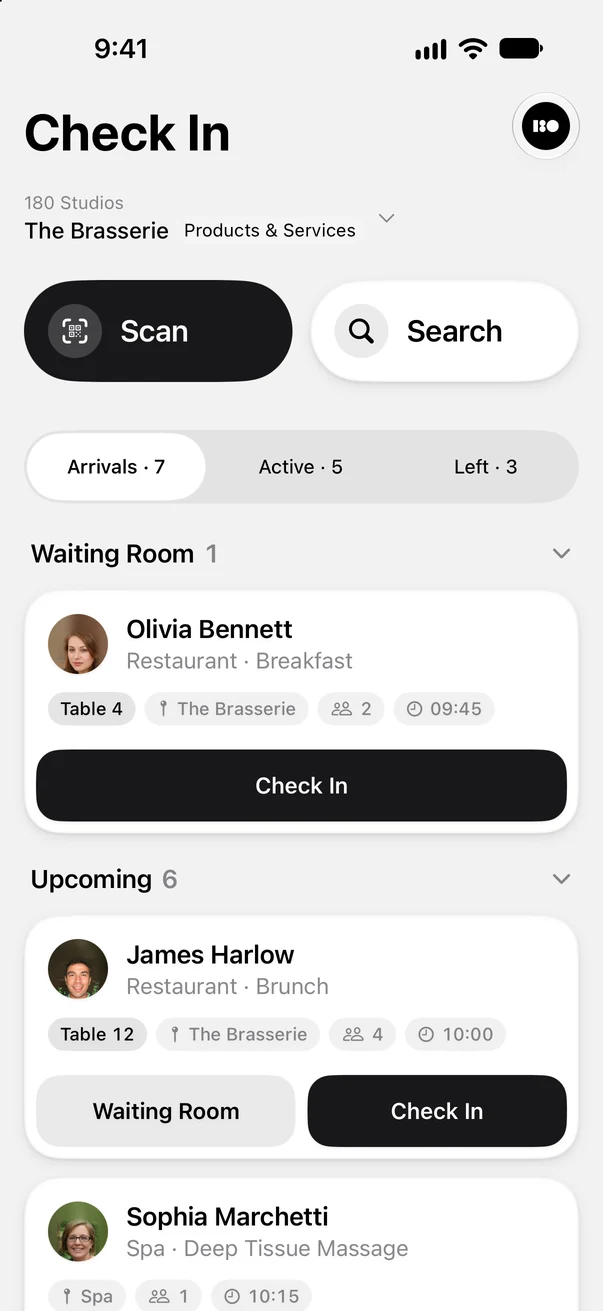
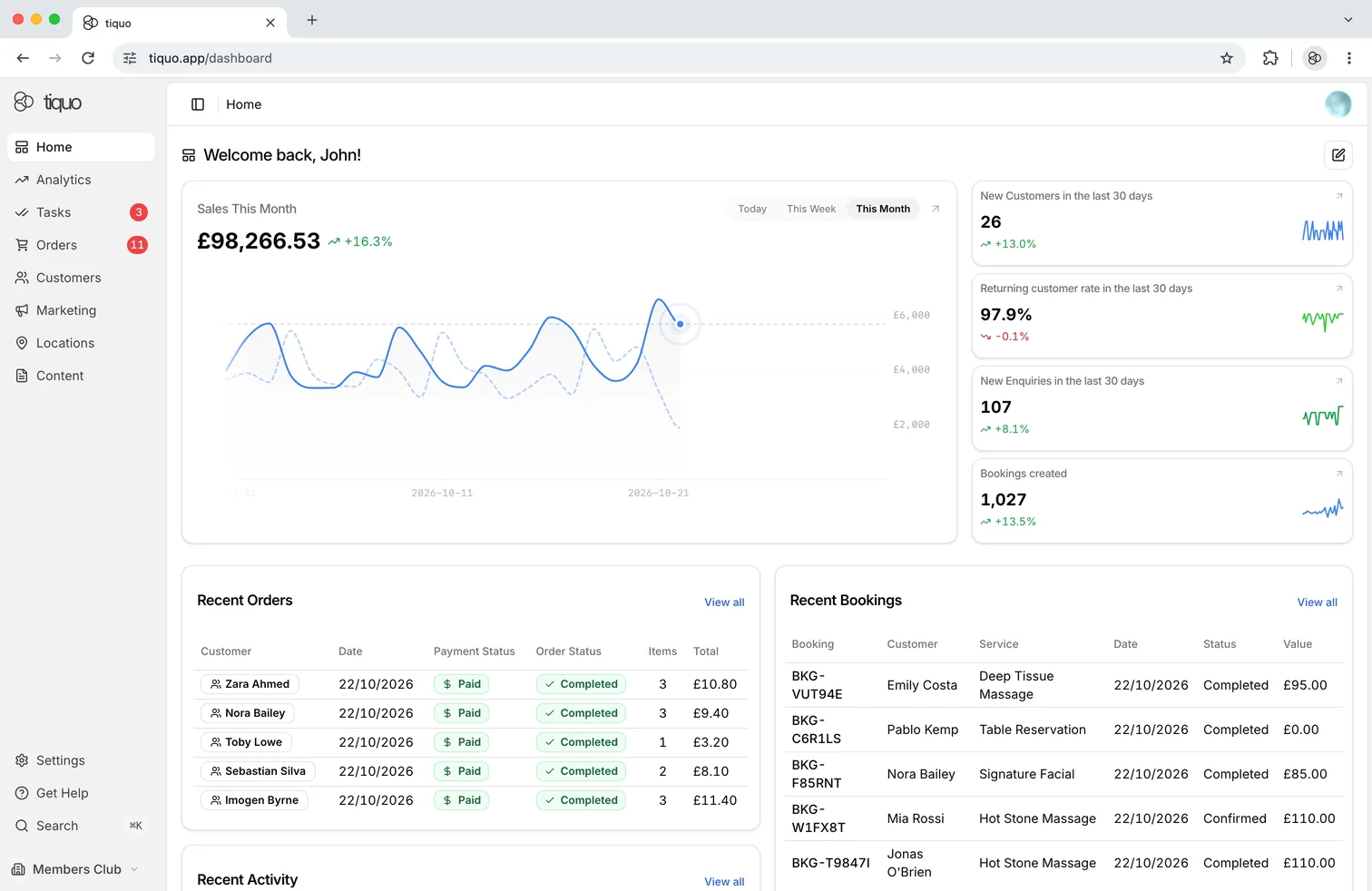
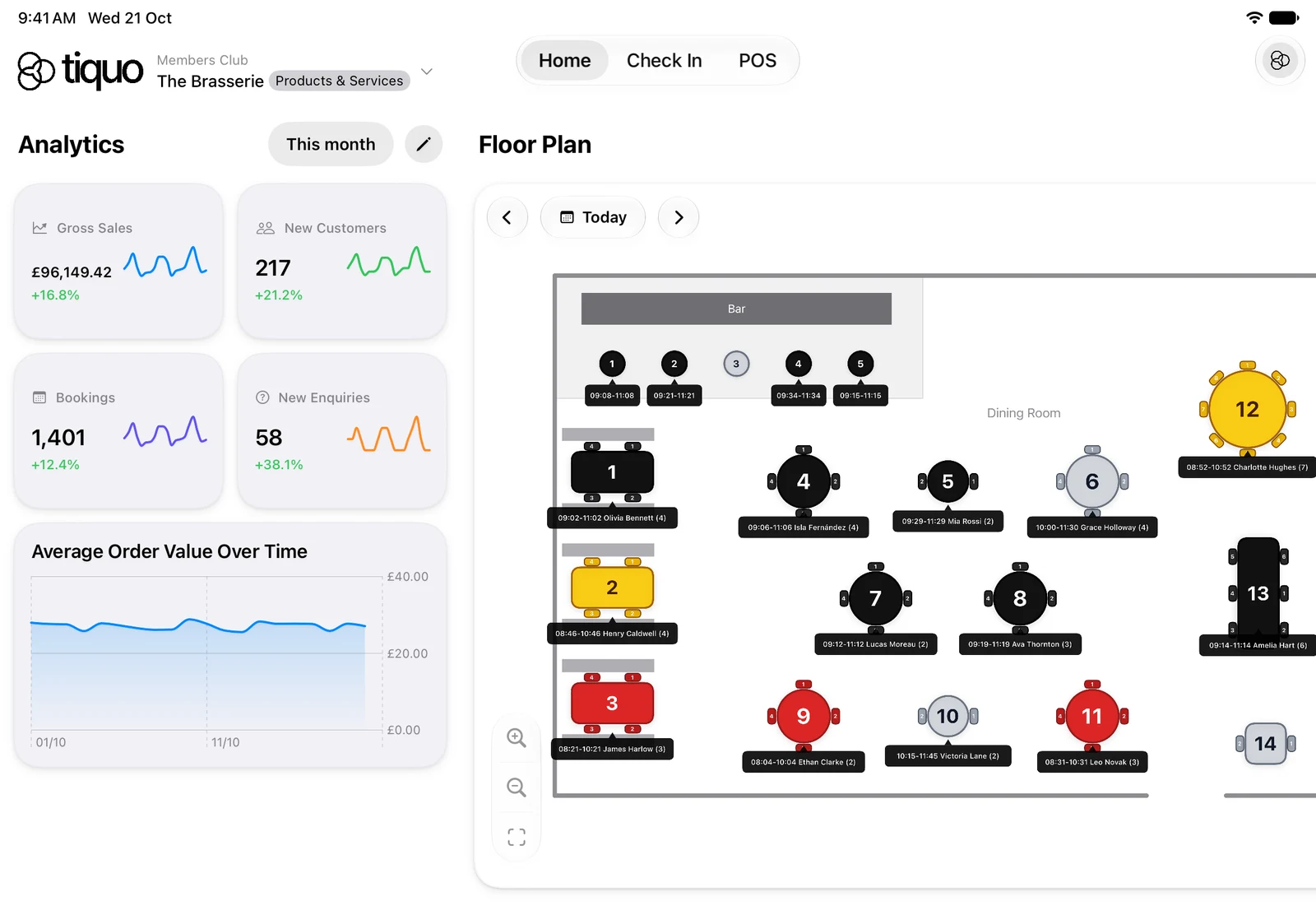
Tiquo brings orders, payments, bookings, memberships, documents, contracts, forms, customer profiles, locations and staff onto one platform and data model.
What changes when fragmentation goes away
Payments remain linked to operational records, customer activity feeds a shared profile and locations contribute to group reporting. New sites can inherit shared configuration and apply local settings.
Staff work within the same platform, and managers and finance use shared reporting. This reduces the need to combine records from the functions managed in Tiquo. Configuration and training are still part of the rollout.
Start with the manual work and data gaps identified in the current setup. Compare whether configuration changes, better connections or consolidation would address them.
For a proposed replacement, test those same workflows and agree which tools will remain. Include migration, training and ongoing support in the cost.
The decision should be based on the work the new setup removes and how well it supports the venue’s daily service.



Latest Stories
WebMCP explained: how AI agents can book through hospitality websites
What WebMCP is, how websites register tools that AI agents in the browser can call, where the standard and Chrome support stand in October 2026, and what it means for booking pages.

How to sell spa treatments and dining to hotel guests before they arrive
Pre-arrival upselling for hotels: when to send spa and dining offers, what to offer which guests, how to make offers bookable, and the UK consent rules for promotional messages.
How to split bills and move tabs between tables
How to split bills by item, seat, equal share or amount, and how to move a tab or selected items to another table without sending food to the kitchen twice or charging twice.