7 Signs Your Restaurant Has Outgrown Its Current POS System

A POS that handles orders, payments and receipts may suit a restaurant when it opens. A second location, delivery, private dining or a membership programme can introduce requirements the original setup did not need to cover.
The gaps often appear as small workarounds. Review them together to see whether configuration changes will help or a replacement is needed.
1. You Are Paying for Integrations That Barely Work
Your POS, booking system, CRM and marketing tools may rely on several connections. Include their fees, support arrangements and maintenance in the assessment.
When a connection fails, records can be delayed or missed. Track how often staff have to diagnose a problem, run a manual sync or correct the resulting data.
A shared platform can reduce the connections between POS, bookings, CRM, loyalty and payments. Compare that benefit with the integration work the proposed setup would still need.
2. You Cannot See a Complete Picture of Your Customers
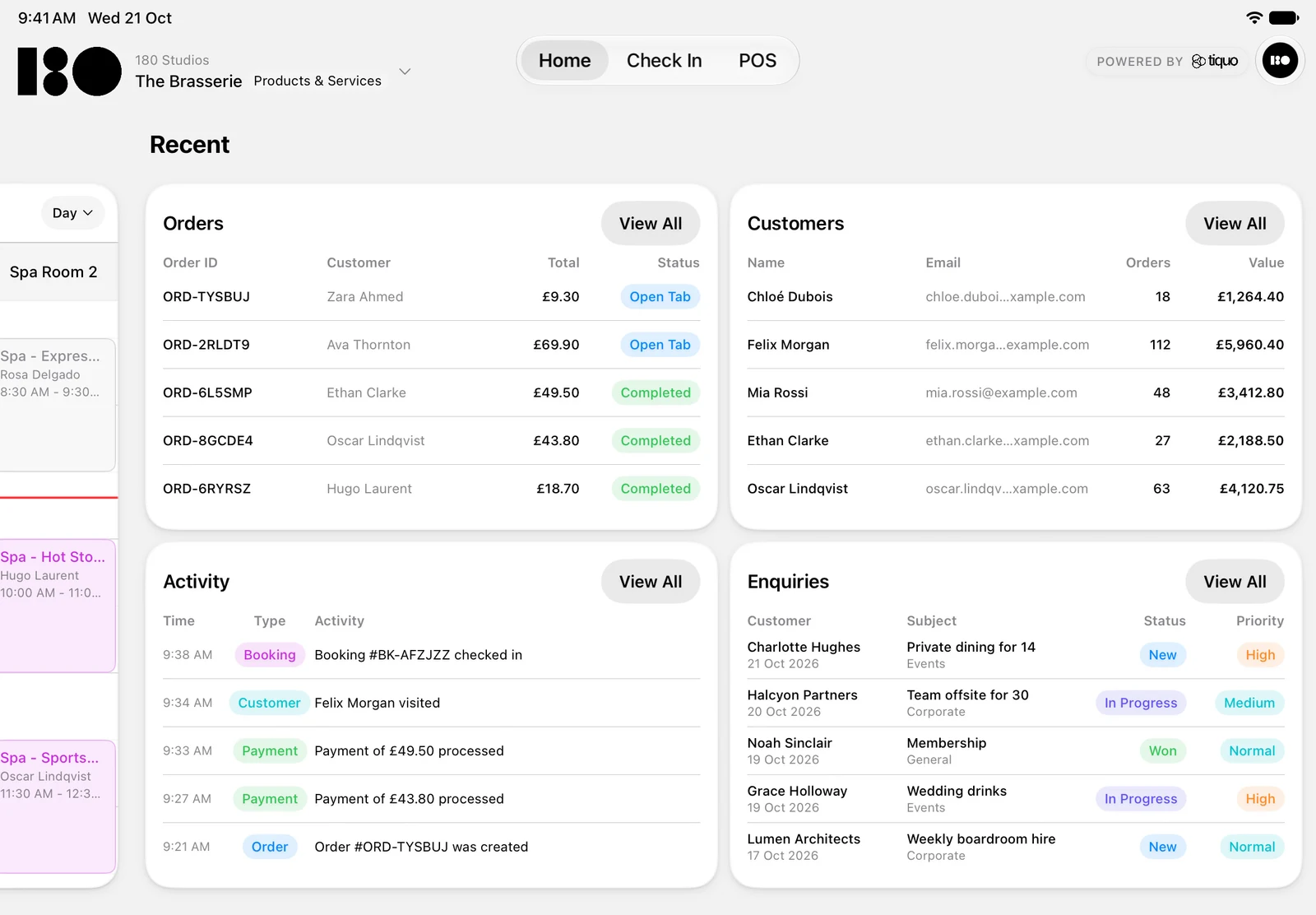
A regular dines twice a week, redeems a gift card at a second location and books private dining for a birthday. Can staff see all that activity together?
If each interaction lives in a different system, marketing and service teams may be working with only part of the history.
Test cross-location customer recognition and the profile information staff can access during a visit.
3. Multi-Location Reporting Takes Days Instead of Minutes
For two or three locations, weekly reporting may involve exporting each site’s data, combining spreadsheets and adjusting for tax or entity structures.
Measure the time needed to prepare and check the report, as well as the delay before it reaches decision-makers.
A consolidated reporting view can reduce that preparation. Test the figures and breakdowns the business actually uses.
4. Gift Cards and Loyalty Only Work at One Location
If cards or points cannot be redeemed where customers expect, staff have to explain the restrictions and handle exceptions.
Check whether the restriction comes from the programme rules or the system’s treatment of separate locations.
Look for controls that let you choose which brands and sublocations accept each card or benefit. The rules should match what you promise customers.
5. Your Staff Spend More Time Fighting the System Than Using It
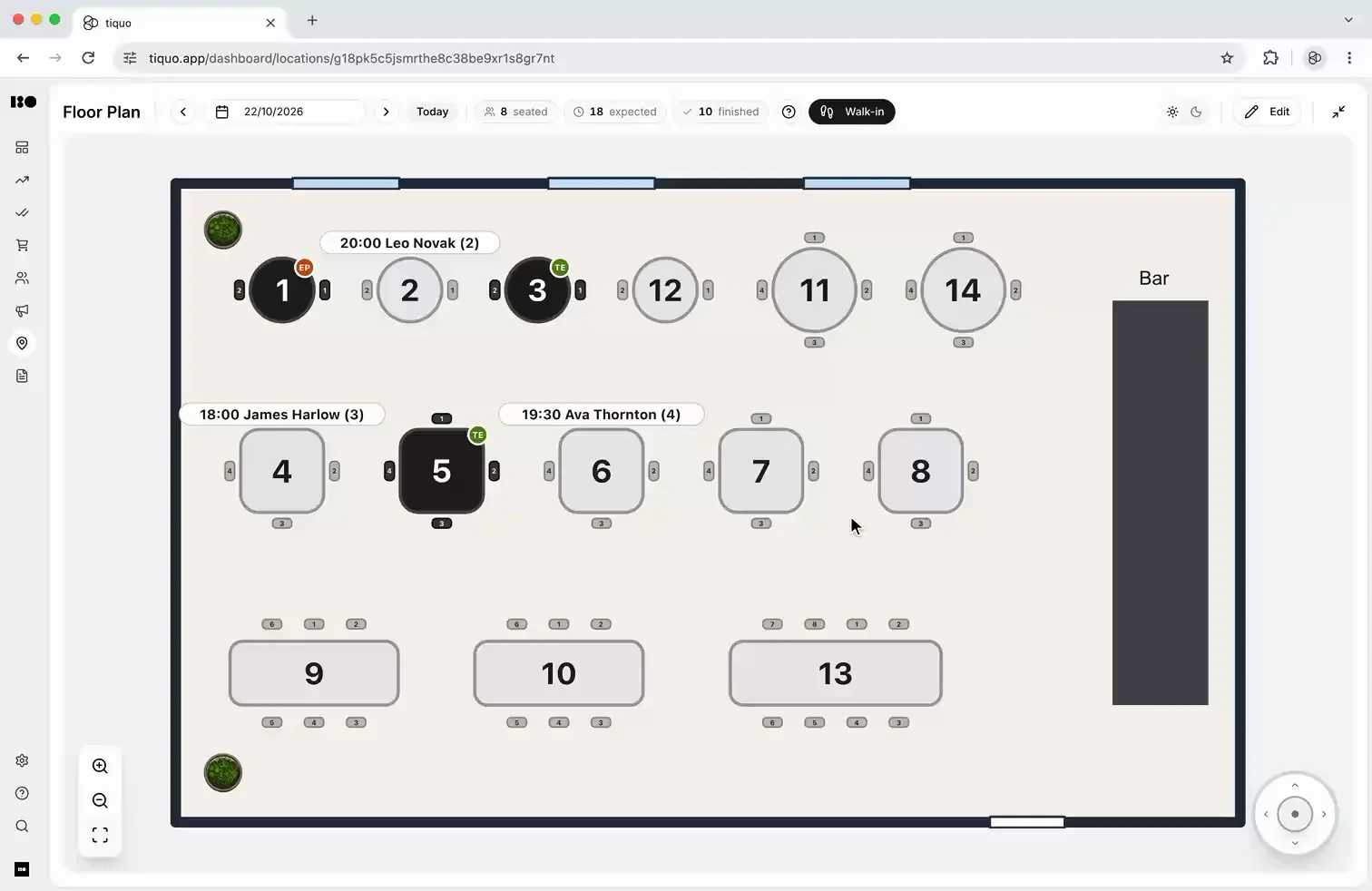
Watch staff transfer a tab, split a bill and apply a discount. Note freezes, unnecessary steps and any approvals that interrupt service.
A small delay on a frequent task can add up over a shift. Use observed examples when comparing systems.
Test order takeover between staff and devices, plus equal, item-level, percentage and custom bill splits. Confirm service charge handling and permissions on the terminals, tablets and phones the team uses.
6. You Cannot Sell Beyond the Restaurant
You may want to sell event tickets, offer a membership programme, take private dining deposits or accept collection orders. Check whether those workflows fit the current POS setup.
List the tools and manual steps required for each addition. Check how they share customer data and contribute to reporting.
If the restaurant now sells several kinds of service, compare platforms that handle them together. Test the actual guest journey from an event booking to a dinner reservation, including any configured offers.
7. Payments Are Creating More Work, Not Less
Track the work involved in matching payments, orders and accounting records. For several legal entities, include allocation and any internal invoicing.
Test the payment methods and allocation rules the operation needs. In Tiquo, configured connected accounts can receive allocations linked to a checkout. Tiquo also supports stored credit for eligible products and services.
Confirm which tasks the proposed setup removes and which remain with finance.
What Comes Next
Take the examples to your current provider and any alternatives under consideration. Ask them to demonstrate the required workflows, including the configuration, add-ons and support involved.
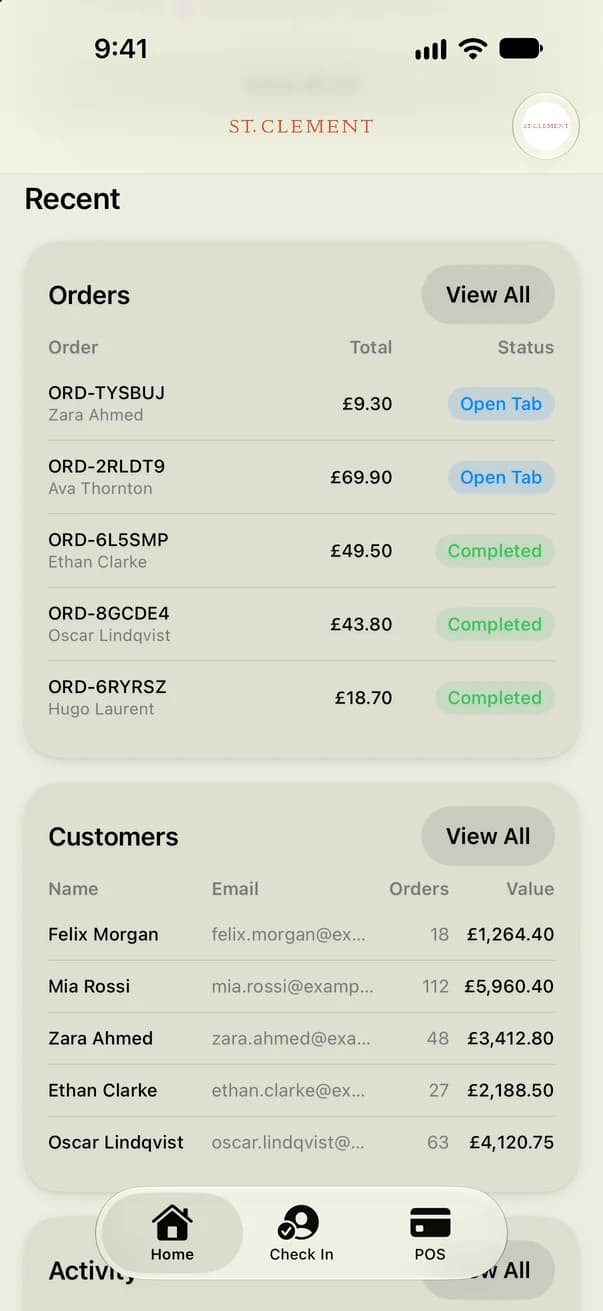
Tiquo combines POS, bookings, memberships, CRM, payments, check-in, events and reporting on a shared platform and customer record.
Compare the complete cost and rollout effort against the time and service problems the change would address.




Latest Stories
WebMCP explained: how AI agents can book through hospitality websites
What WebMCP is, how websites register tools that AI agents in the browser can call, where the standard and Chrome support stand in October 2026, and what it means for booking pages.

How to sell spa treatments and dining to hotel guests before they arrive
Pre-arrival upselling for hotels: when to send spa and dining offers, what to offer which guests, how to make offers bookable, and the UK consent rules for promotional messages.
How to split bills and move tabs between tables
How to split bills by item, seat, equal share or amount, and how to move a tab or selected items to another table without sending food to the kitchen twice or charging twice.